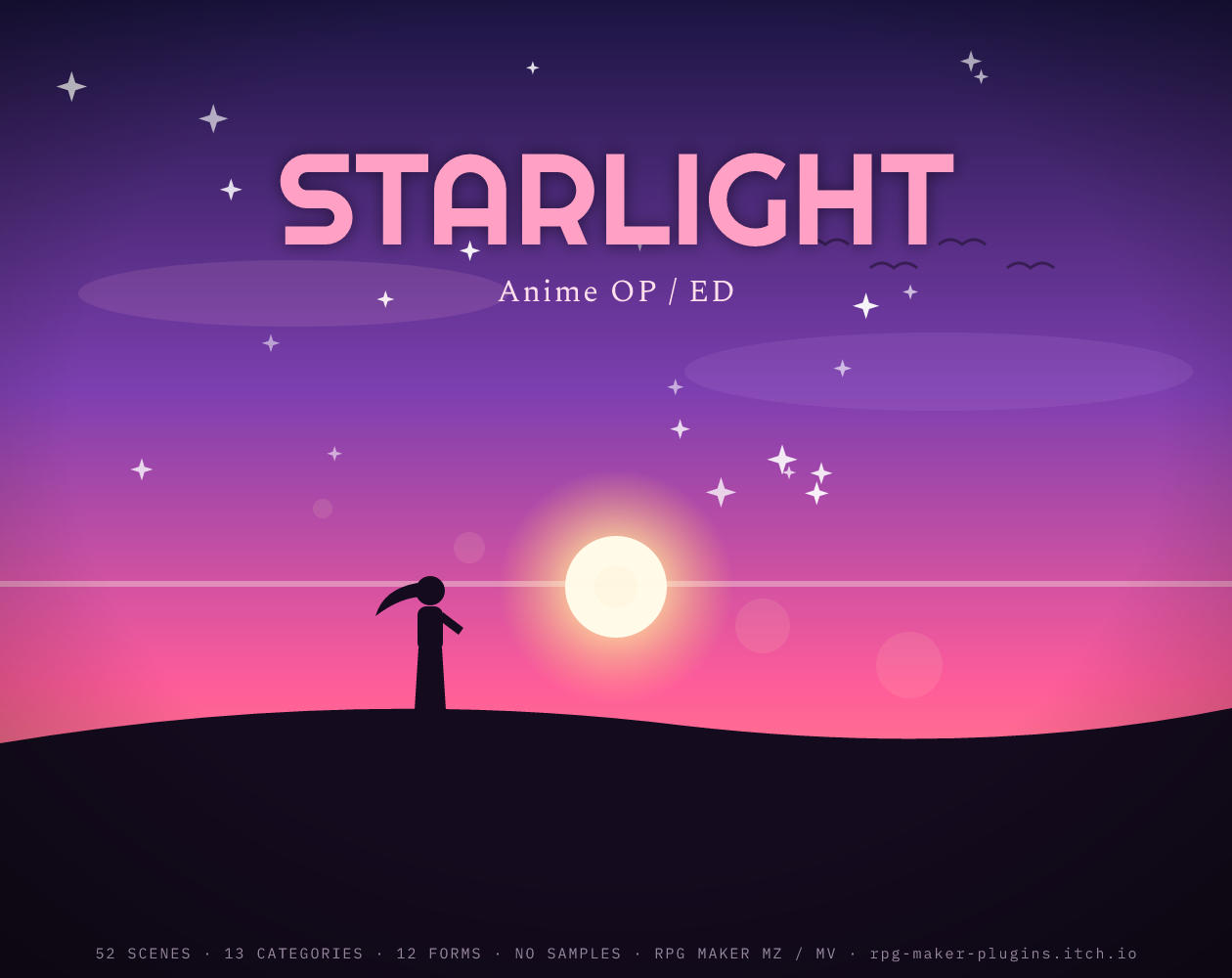
STARLIGHT — Anime OP/ED BGM Generator
$4.99
STARLIGHT writes the opening and ending you'd hear over an anime's title sequence. Driving J-rock with distorted power chords and four-on-the-floor drums, huge catchy choruses with string stabs and vocal-"ooh" pads, laid-back city-pop grooves, neon synthwave arps, blazing action sprints — and,…
STARLIGHT writes the opening and ending you’d hear over an anime’s title sequence. Driving J-rock with distorted power chords and four-on-the-floor drums, huge catchy choruses with string stabs and vocal-“ooh” pads, laid-back city-pop grooves, neon synthwave arps, blazing action sprints — and, for the credits, emotional piano-and-strings ballads built on the classic J-pop “royal road” progressions.
Perfect for title/intro sequences, credits, hype battle themes, hub towns, montages, character themes and anything that needs modern, catchy energy.
- 13 categories: Opening (OP) · Ending (ED) · The Chorus · The Verse · City Pop · Ballad · Rock Out · Synthwave · Insert Song · The Sprint · Interlude · Finale · The Feels
- 12 forms: OP theme · J-rock · city pop · synthpop · the sprint · ED ballad · the feels · insert song · big chorus · the verse · finale · interlude
- 6 sliders: Energy · Emotion · Catchy · Tempo · Flair · Space
- Palettes: Band (guitars) · Synth-pop · Piano & strings · Full production
What you get
- 52 hand-designed scenes across 13 categories — a starting point for every moment in your game.
- 12 musical “forms” you can force onto any scene for instant variation.
- 6 mood sliders plus Form / Meter / Palette / Key / Length menus, a live visualizer, and a ⟳ regenerate button that rerolls a fresh take every click.
- Export OGG and WAV. The OGG is written with LOOPSTART / LOOPLENGTH tags, so it loops seamlessly inside RPG Maker with no clicks or gaps.
- One self-contained HTML file. No installation, no account, no plugins, and no internet needed after download. Nothing is ever uploaded — it all runs in your browser.
- 100% synthesized from scratch with the Web Audio API. No samples, so every track is unique and truly yours.
How to use it
- Download the
.htmlfile (or press ▶ to try it right here in your browser). - Open it in any modern browser — Chrome, Edge, or Firefox.
- Pick a scene, nudge the sliders and menus, and hit ⟳ until it feels right.
- Export the .ogg for your game (and/or the .wav for a DAW).
- Drop the
.ogginto your project’saudio/bgm/folder and select it as a BGM. The embedded loop tags make it loop perfectly in RPG Maker MZ & MV (the OGG also works in most other engines — Godot, Unity, GameMaker, Ren’Py, etc.).
License
The music you export is 100% royalty-free and yours — use it in commercial and non-commercial games, videos, or streams, no attribution required (a credit is always appreciated). Please don’t resell or redistribute the generator tool itself.
Good to know
- Works offline and cross-platform (Windows / macOS / Linux — it’s just a web page).
- AI disclosure: the tool’s code and this page’s cover art were made with AI assistance. The music is algorithmically synthesized — not AI-model-generated audio, and not sampled from any existing recording.
- Made by RPG_Maker_Plugins. Questions or requests? Leave a comment.
Reviews
There are no reviews yet.