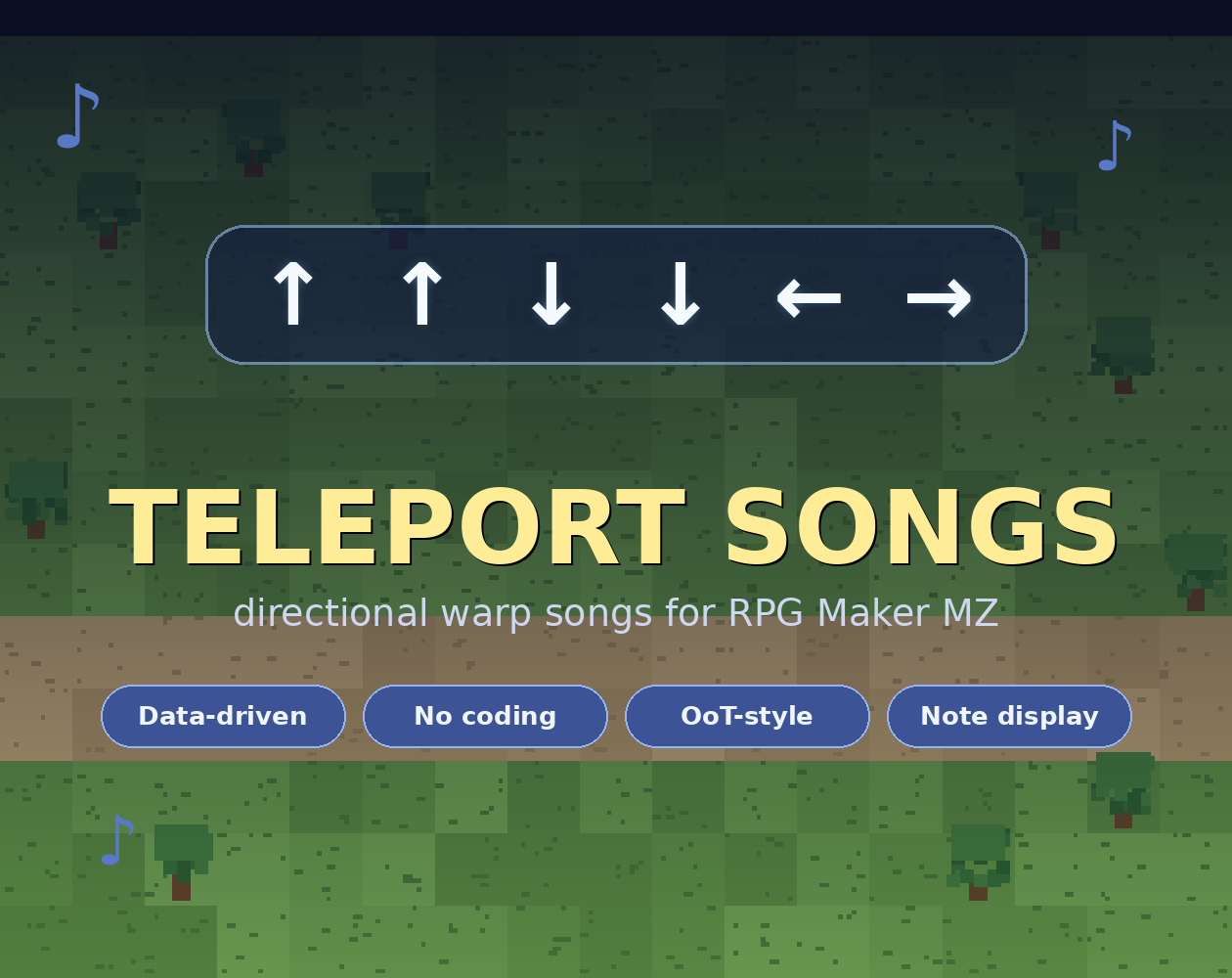
Teleport Songs — Directional Warp Songs for RPG Maker MZ
$0.00
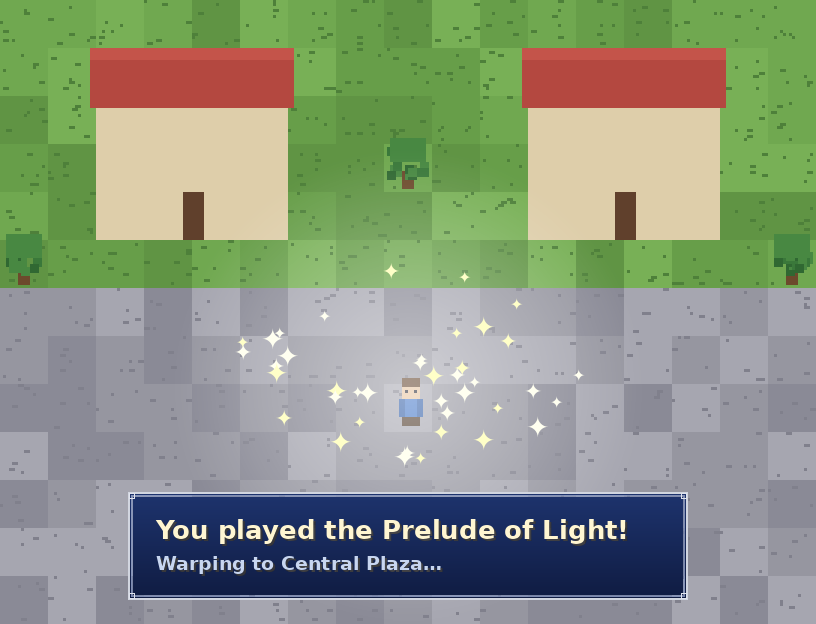
Teleport Songs brings the classic ocarina-song feel to RPG Maker MZ. Press a key to open "song mode," tap a directional sequence, and the player warps to a location you've set. It's a fast-travel system with personality.
Teleport Songs brings the classic ocarina-song feel to RPG Maker MZ. Press a key to open “song mode,” tap a directional sequence, and the player warps to a location you’ve set. It’s a fast-travel system with personality.
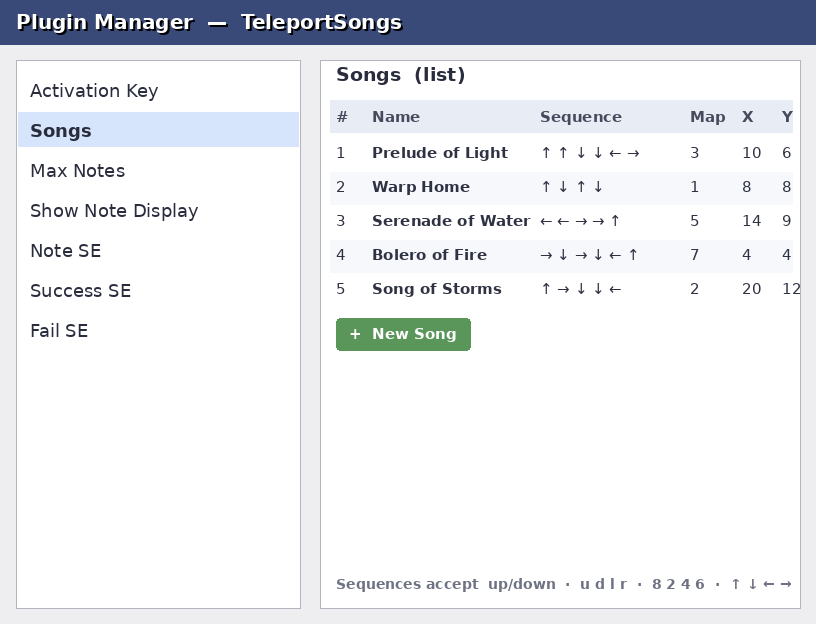
Every song is defined as plain data in the Plugin Manager, so building your world’s warp network is drag-and-drop simple — no scripting.
Features
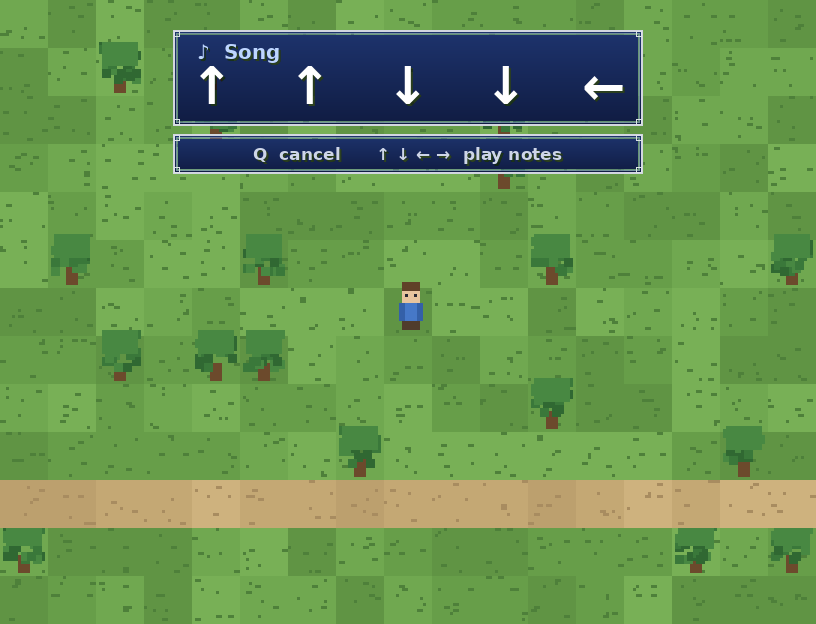
- 🎵 Ocarina-style input — open song mode, play arrows, warp on match.
- 🧩 Fully data-driven — add/edit/remove songs in the Plugin Manager, no code.
- ⌨️ Forgiving sequence entry —
up down,u d,8 2, or↑ ↓all work. - 🖥️ On-screen note display — a clean readout of the arrows as you play (toggleable).
- 🔊 Custom sound effects — set your own note / success / fail SEs.
- 🛡️ Safe by design — movement only freezes while song mode is open; walking is never affected.
- 🔌 Lightweight & compatible — aliases core methods, no dependencies, one file.
How it works
- Press the activation key (default Q) on the map.
- Tap a directional sequence — e.g. ↑ ↑ ↓ ↓ ← →.
- Match a song → warp. No match → fail chime. Press Q again to cancel.
Install
Drop TeleportSongs.js into js/plugins/, enable it in the Plugin Manager, and add your songs. Full instructions in the included Readme.txt.
Terms of Use
Free for commercial and non-commercial MZ projects. Credit appreciated. Don’t resell the plugin by itself. (Edit to taste.)
FAQ
Q: Won’t the player teleport accidentally while walking?
No. Arrow keys only count as notes while song mode is open. During normal play they move the character as usual — song mode has to be opened with the activation key first.
Q: Do I need to know JavaScript to add songs?
No. Songs are entered in the Plugin Manager as a list. Each one takes a name, a sequence, and a destination (map + X/Y + facing direction).
Q: What input formats does the sequence accept?
Words (up down left right), letters (u d l r), numpad numbers (8 2 4 6), or arrow symbols (↑ ↓ ← →) — separated by spaces or commas. Mix them however you like.
Q: Can two songs share a starting sequence?
Keep sequences distinct. Matching is exact and fires the instant your input equals a full song, so if one song (↑ ↑) is the start of another (↑ ↑ ↓), the shorter one triggers first and the longer becomes unreachable.
Q: Can a song require the player to “learn” it first?
The plugin matches any defined song immediately. To gate one, control it in your own events — for example, only reveal the destination or allow the fanfare once a switch is ON. A switch-gated build can be added if there’s demand.
Q: Can I change the activation key?
Yes — pick from pageup (Q), pagedown (W), shift, control, or tab in the parameters.
Q: The default sound effects are missing in my project.
Point the Note/Success/Fail SE parameters at SE files you already have, or drop matching files into audio/se/. Leaving a field blank disables that sound.
Q: Is it compatible with other plugins?
It aliases (doesn’t overwrite) the core map/input methods and has no dependencies, so it plays nicely with most setups. If another plugin heavily rewrites map input, try loading Teleport Songs below it.
Q: Does it work in RPG Maker MV?
This build targets MZ. MV uses a different plugin structure and isn’t officially supported.
Reviews
There are no reviews yet.