Travel Scenes MZ — Animated Travel Windows for RPG Maker MZ
$4.99
Every transfer in your game is a tiny cutscene waiting to happen.
Every transfer in your game is a tiny cutscene waiting to happen.
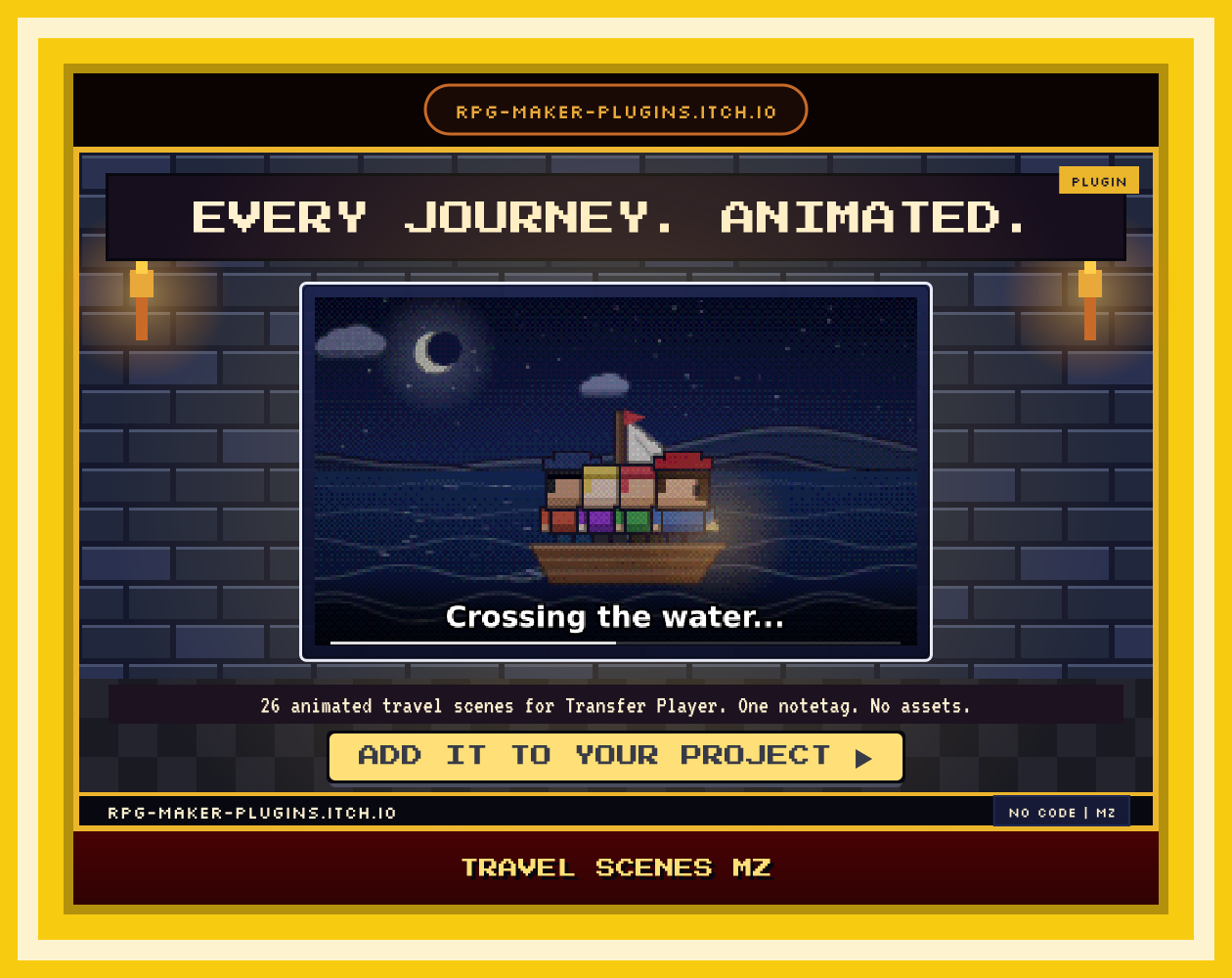
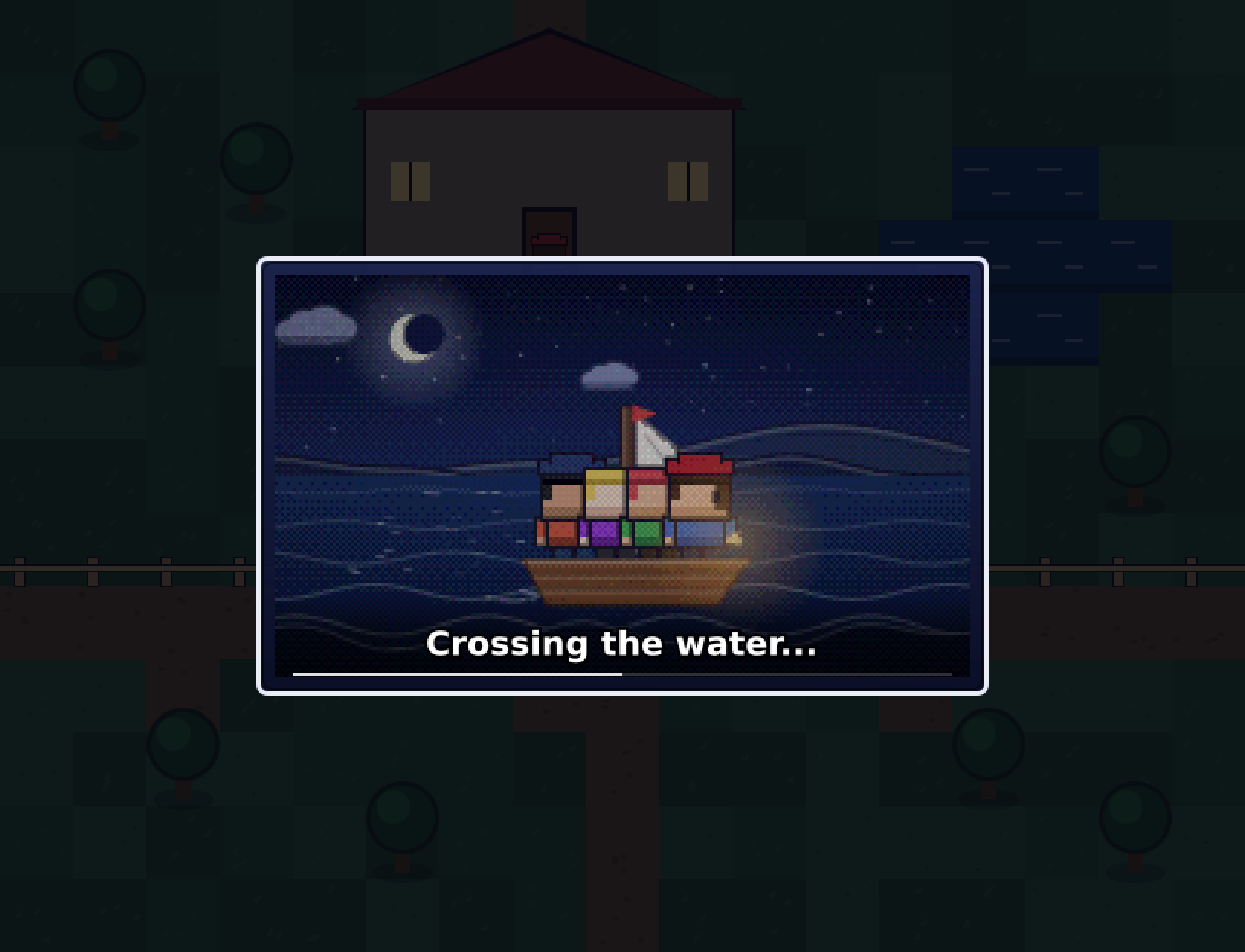
Travel Scenes MZ replaces the fade-out/fade-in of Transfer Player with a small animated window of the journey: your party stepping into a portal, climbing a torch-lit staircase, riding an elevator while the floors tick past, sailing across a moonlit lake. Each scene is drawn in a 16-bit handheld style — GBA resolution, dithered palette, ink outlines — and uses your own actors’ character sprites, so the people in the boat are the people in your Database.
No image files. No audio files. No other plugins. One .js file in Plugin Manager.
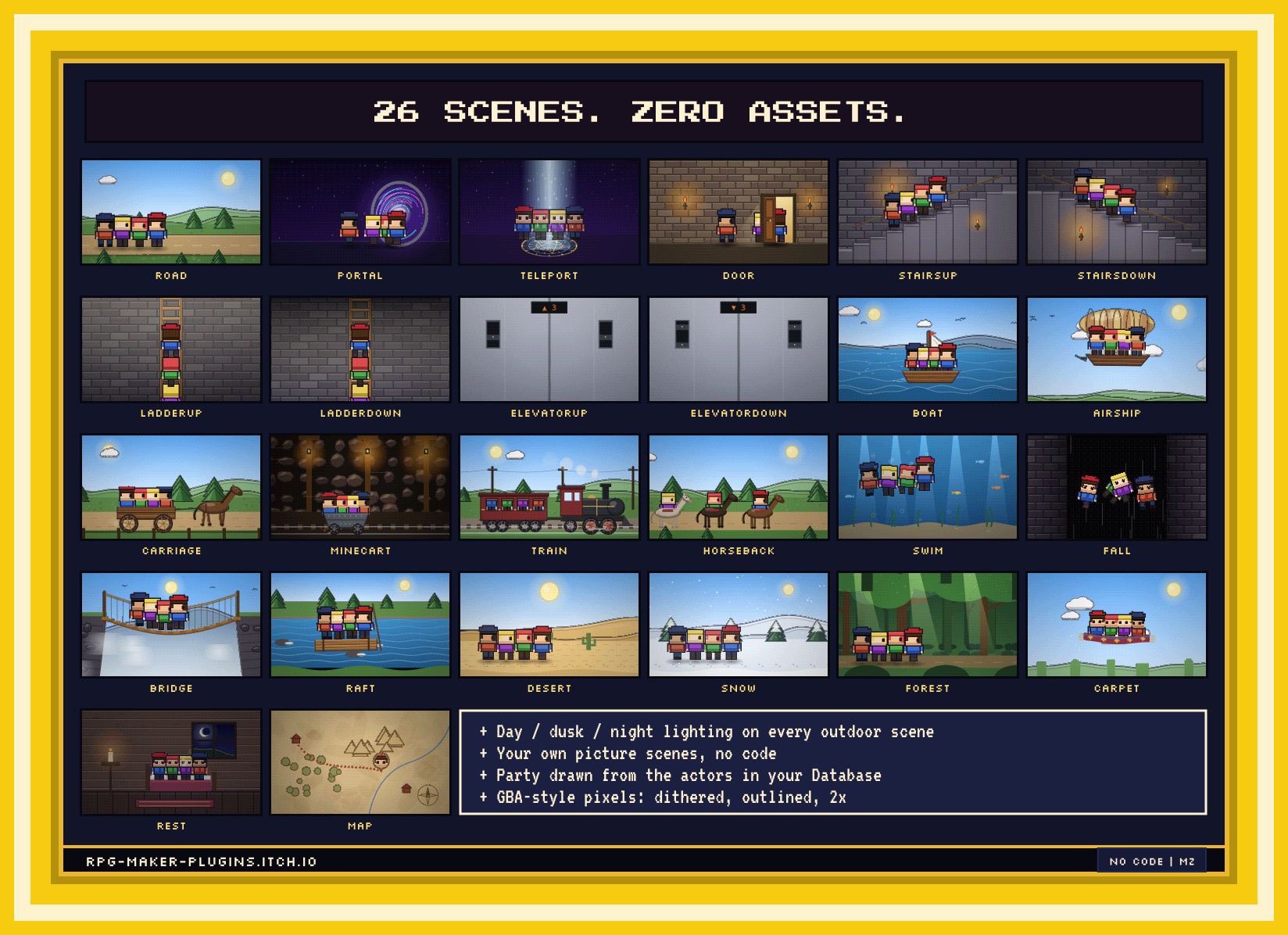
What’s in the box — 26 scenes
Indoors & dungeons: door · stairs up / down · ladder up / down · elevator up / down · trapdoor fall · mine cart · a night at the inn
Overworld: road · forest · desert · snow · rope bridge · raft · swim
Vehicles: boat · airship · carriage · horseback · train · magic carpet
Magic: portal · teleport · fast-travel map
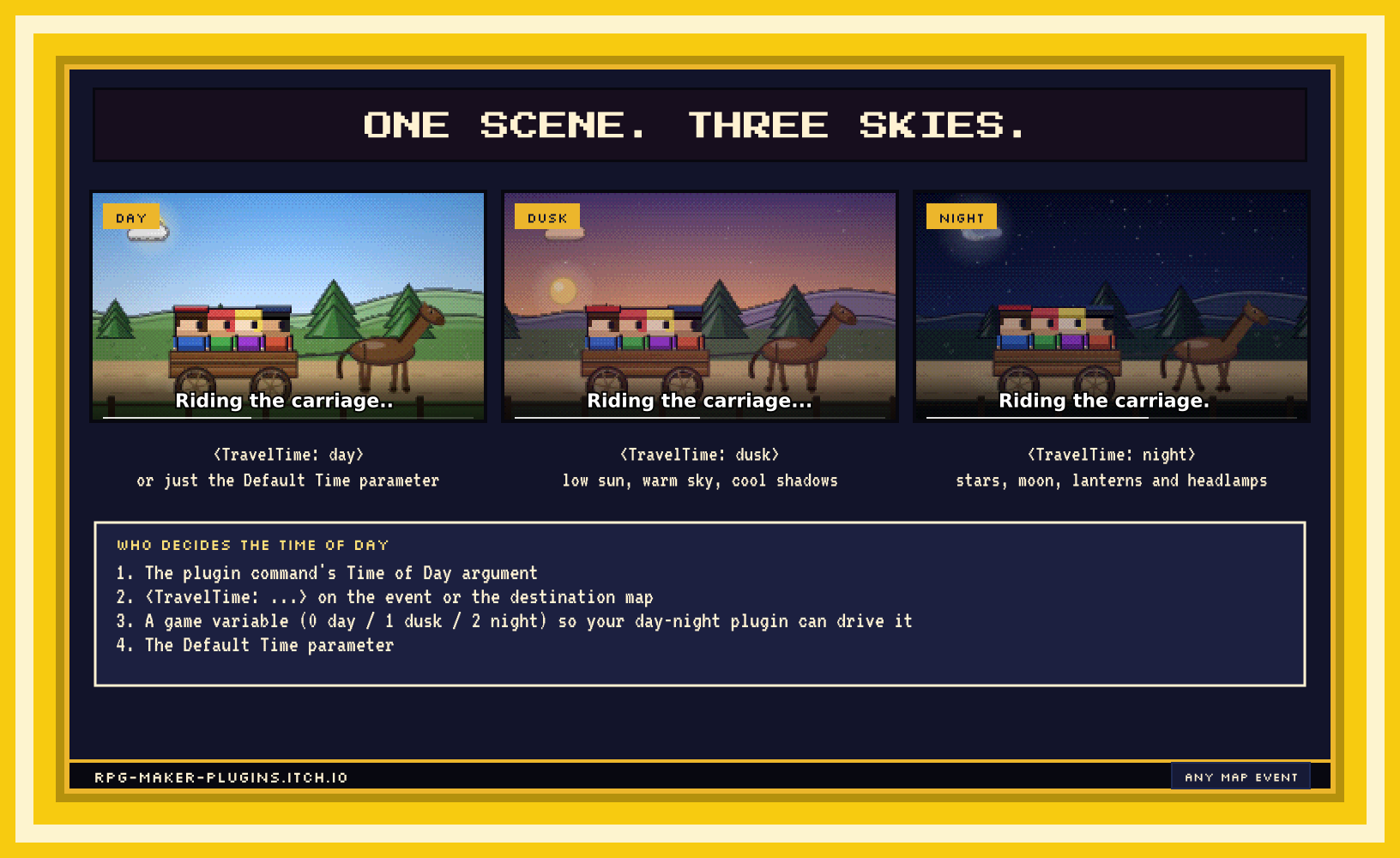
Outdoor scenes come in day, dusk and night: a sunset sky with the sun on the horizon, or stars, a crescent moon, dimmed hills, a lantern on the bow and a headlamp on the train.
How it works
Three ways to trigger a scene, highest priority first — pick whichever fits the event:
- Plugin command Set Next Travel right before the transfer (one-shot, with caption, duration and sound).
- Event note
<Travel: stairsDown>on the stairs event — set it once, every transfer that event runs plays it. - Map note
<Travel: boat>on the destination map — any transfer into that map plays it.
Add <TravelCaption: Into the cellar...> or <TravelTime: night> if you want. That’s the whole setup.
A Play Travel Scene command runs any scene without transferring, for cutscenes (“three days at sea”). A Disable Switch and Enable/Disable commands turn the system off during scripted sequences. New Game, loading and battle transfers are never intercepted.
Make it yours
- Your sprites. The party is read from your actors’ Character images (party order, honours Change Actor Images), or from the map sprites if you prefer.
- Your pictures. Add a Picture Scene from any image in
img/pictures— scroll speed, party position, caption — and it becomes a new scene type with no code. - Your words. Every caption, duration and sound effect is overridable per scene type.
- Your look. Pixel Size (2× GBA / 3× chunky / off), colour depth, dithering and ink edges are all parameters. Window size, background, dim level and sprite scale too.
- Your code.
TravelScenes.register(name, { draw(api) })adds a scene from another plugin, with the same shaded-helper kit the built-ins use.
Details
- RPG Maker MZ only (Plugin Manager, plugin commands, notetags).
- Uses only default MZ sound effects; on desktop builds a missing SE is skipped rather than crashing.
- Skippable with OK / Cancel / tap after a short grace period; a progress bar shows how long is left.
- Place it below any plugin that also changes
Scene_Maptransfers. - Free for commercial and non-commercial projects. Credit appreciated.
Reviews
There are no reviews yet.