Cassette Radio — Internet Radio for RPG Maker MZ
$0.00
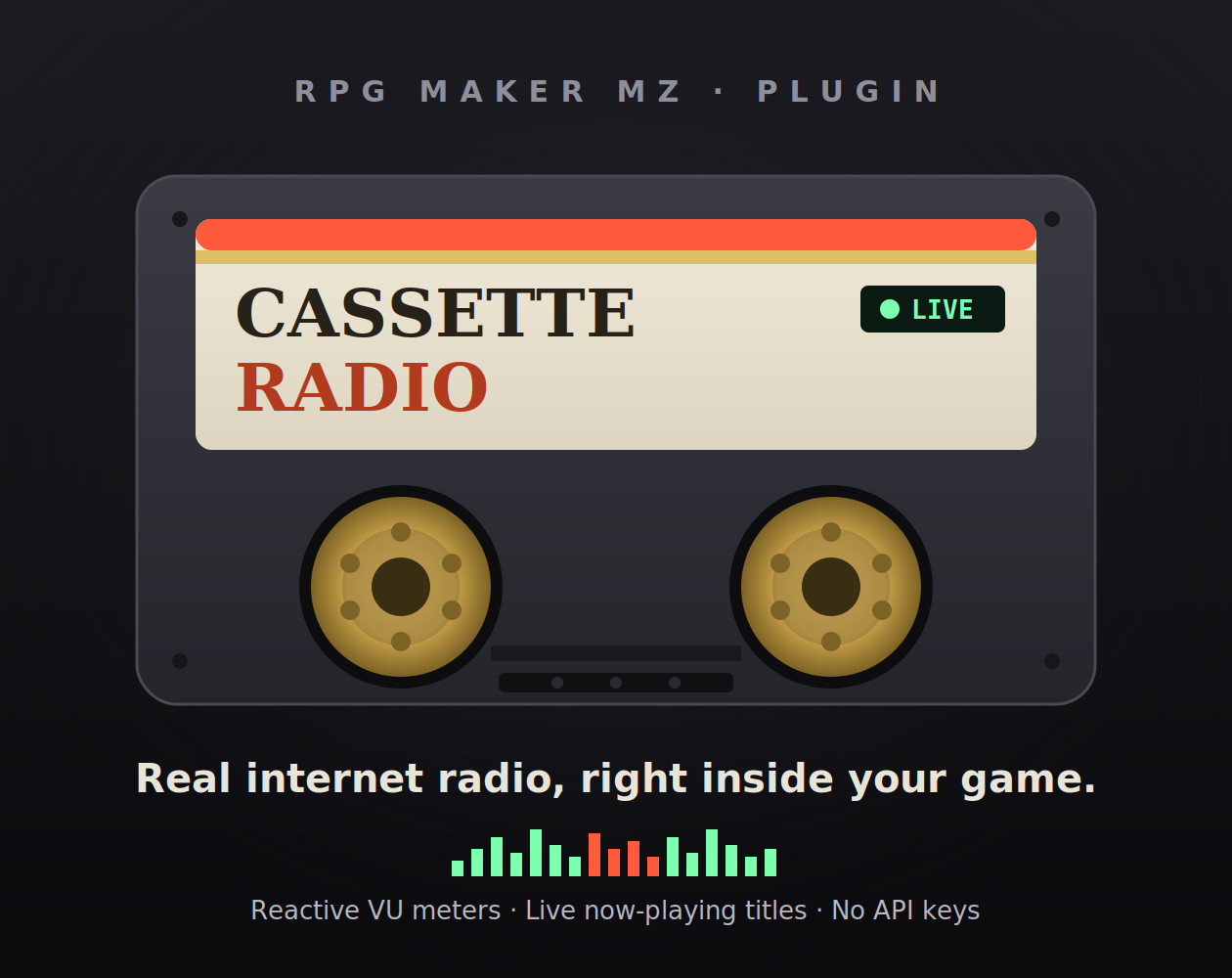
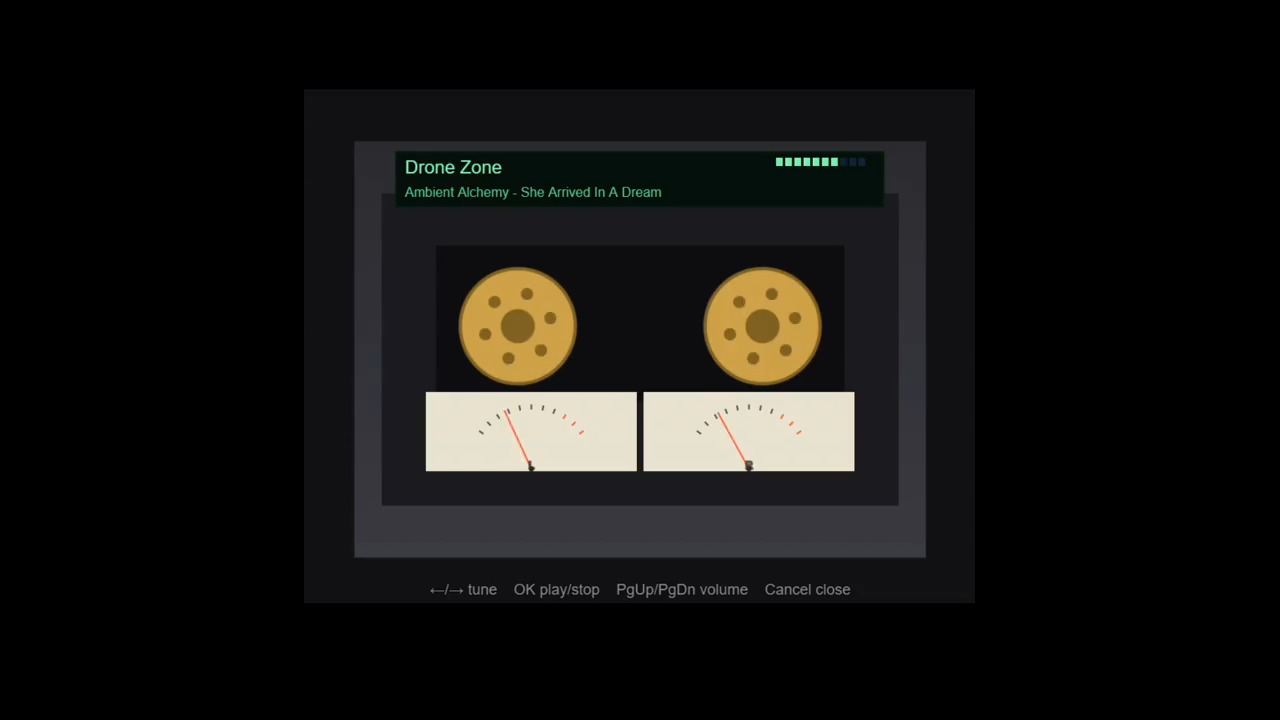
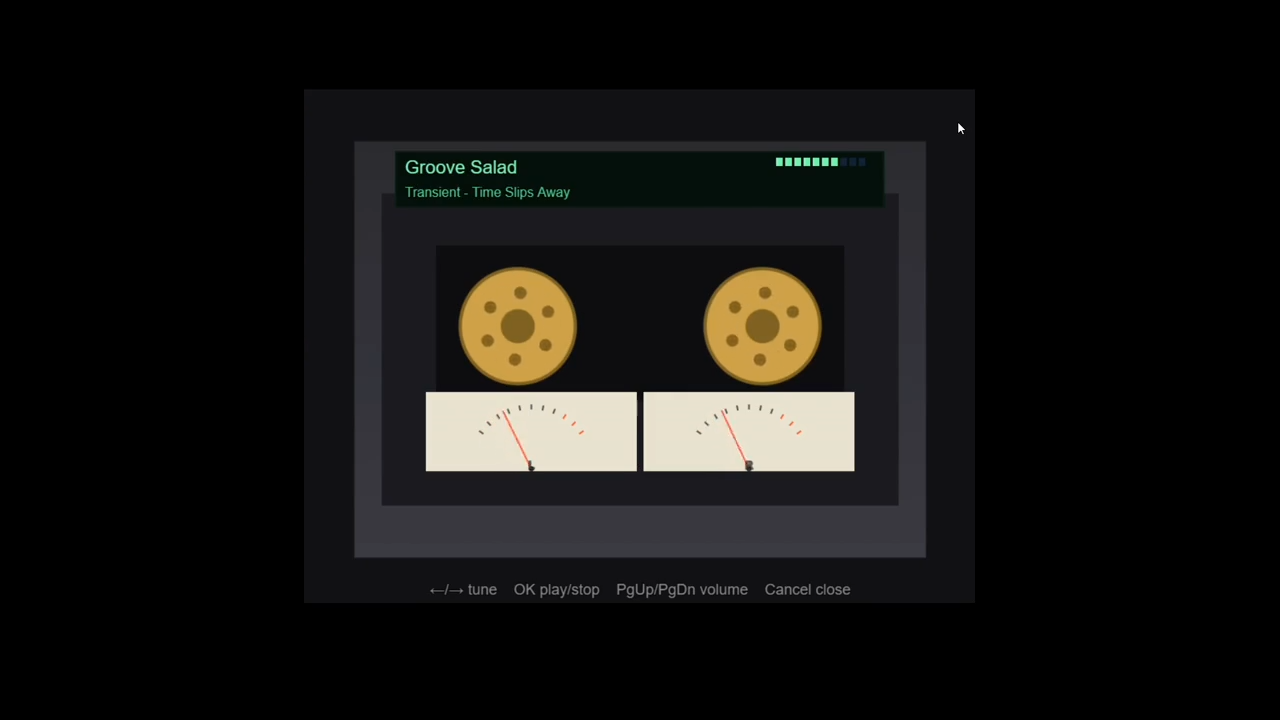
Cassette Radio brings real internet radio into your RPG Maker MZ game, wrapped in a retro cassette-deck interface. Players open the deck, tune through your stations, and listen while they play — the reels spin, twin VU needles react to the actual audio, and the LCD shows the live song title.…
Cassette Radio brings real internet radio into your RPG Maker MZ game, wrapped in a retro cassette-deck interface. Players open the deck, tune through your stations, and listen while they play — the reels spin, twin VU needles react to the actual audio, and the LCD shows the live song title. Think of the radio in a driving game, built for your world.
Features
- Live internet radio streamed straight into your game.
- Retro cassette-deck UI, drawn entirely in code — no image assets to install.
- Audio-reactive VU meters (or spectrum bars) driven by the real signal.
- Live “now playing” song titles when a station broadcasts them.
- Preset stations you define — players tune left/right through them.
- Keeps playing across map changes, menus, and battles.
- Plays nicely with your BGM — choose replace, layer, or yield; jingles (MEs) auto-pause and resume the radio.
- Options-menu volume slider and saved settings.
- Plugin commands to drive it from events (in-world radios, entering a car, etc.).
- No API keys, no accounts, no sign-in.
Requirements
- RPG Maker MZ (not MV).
- Desktop deployment only (Windows / macOS / Linux). This plugin uses NW.js/Node features to enable the reactive visualizer and live titles, so it does not work in web or mobile exports.
Quick start
- Drop
CassetteRadio.jsintojs/plugins/and enable it in the Plugin Manager. - Add your stations (name + direct MP3/AAC stream URL) in the parameters.
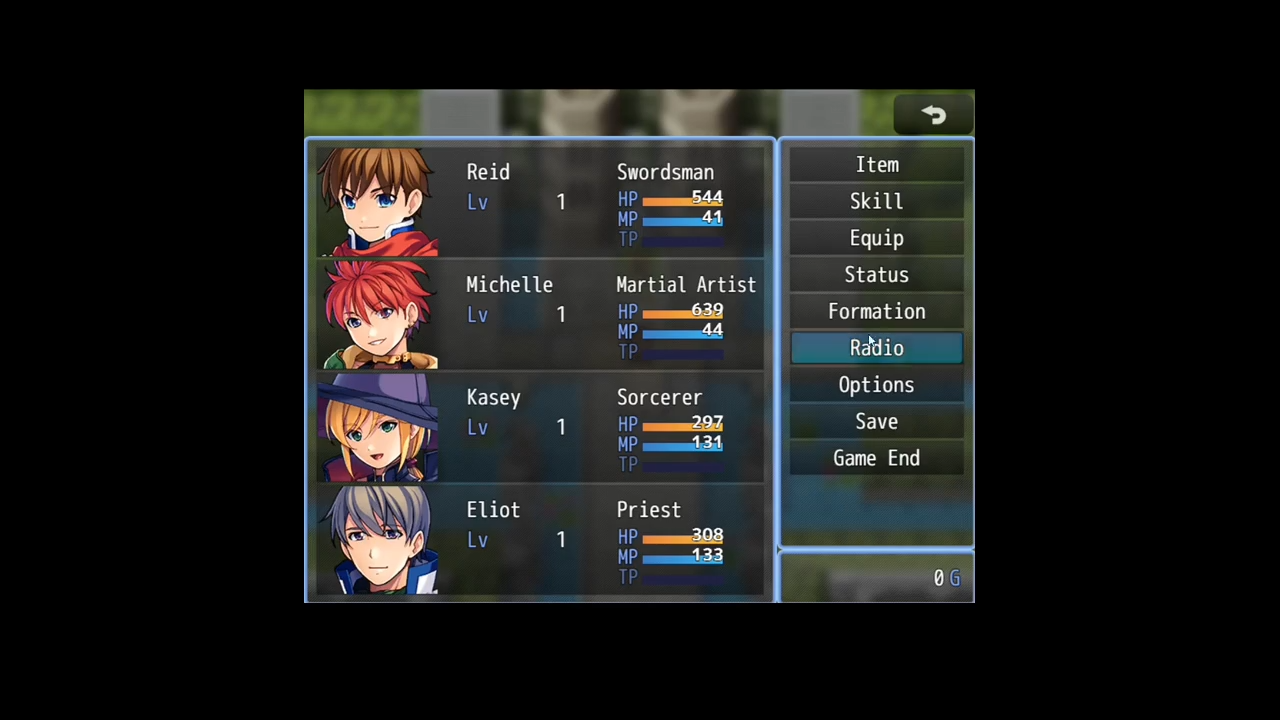
- Open the deck from the menu or a plugin command, and press play.
Full instructions are in the included readme.txt.
A note on stations
This plugin is a player only — it doesn’t grant rights to any station’s audio. If you ship specific stations in a public or commercial game, please make sure you’re permitted to stream them. Directories like radio-browser.info list streams but don’t grant broadcast rights.
Status
This is an early v0.1 release. It’s functional and self-contained, but new; please report issues so it can improve. Planned next: playlist-URL (.pls/.m3u) support, auto-reconnect on dropped streams, and an in-game station browser.
FAQ
Does this work on web or mobile builds? No — desktop only. The reactive meters and live song titles rely on a small local proxy that only exists in the desktop (NW.js) runtime.
Is it MV compatible? No, this is MZ only.
A station won’t play — why? Almost always because the URL is a playlist file (.pls, .m3u, .m3u8/HLS) rather than a direct audio stream. Use the station’s direct MP3/AAC stream endpoint. HTTP and HTTPS both work on desktop.
Where do I get station URLs? radio-browser.info (free, no account) is the easiest source — find a station and copy its direct stream URL, not the playlist wrapper. Many station websites also list a direct stream link.
Can players choose their own stations? In v0.1 they tune through the presets you define. A built-in station browser is planned.
Does the music keep playing when I change maps or open a menu? Yes. Playback lives outside the scene, so it continues through maps, menus, and battles until stopped.
Will it fight with my game’s own BGM? You choose: replace (radio takes over — recommended), layer (both play), or yield (radio pauses while BGM plays). In all modes, short jingles (MEs) briefly pause the radio and then resume it.
The station name shows but no song title appears. Not every station broadcasts “now playing” metadata. When a station doesn’t send it, there’s simply nothing to show — that’s the station, not the plugin.
Does it need an API key or account? No. It’s keyless — add a URL and it plays.
Is it heavy on performance? No. It’s a single audio stream plus a lightweight analyser for the meters.
Can I use it in a commercial game? The plugin, yes. You are responsible for the rights to any stations you bundle — see the station note above.

Reviews
There are no reviews yet.