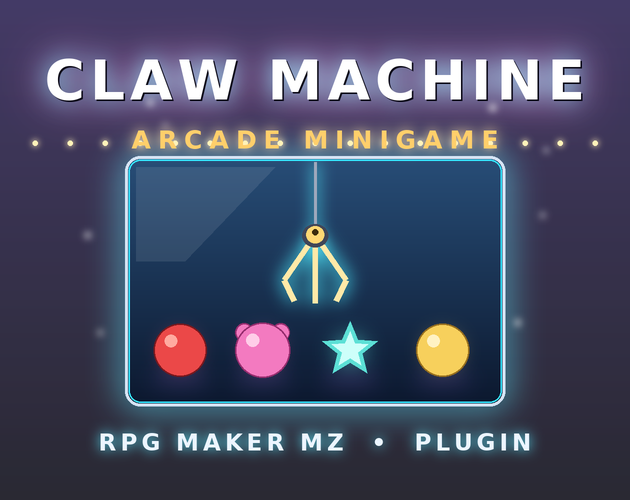
Claw Machine Arcade Game
$1.99
Claw Machine Arcade Game turns a fully-drawn neon arcade cabinet into a playable minigame inside your RPG Maker MZ project. Marquee, glass prize chamber, joystick, buttons, coin slot, and LED credit readouts — all rendered in code, no image assets required, and it scales cleanly from 816×624 up…
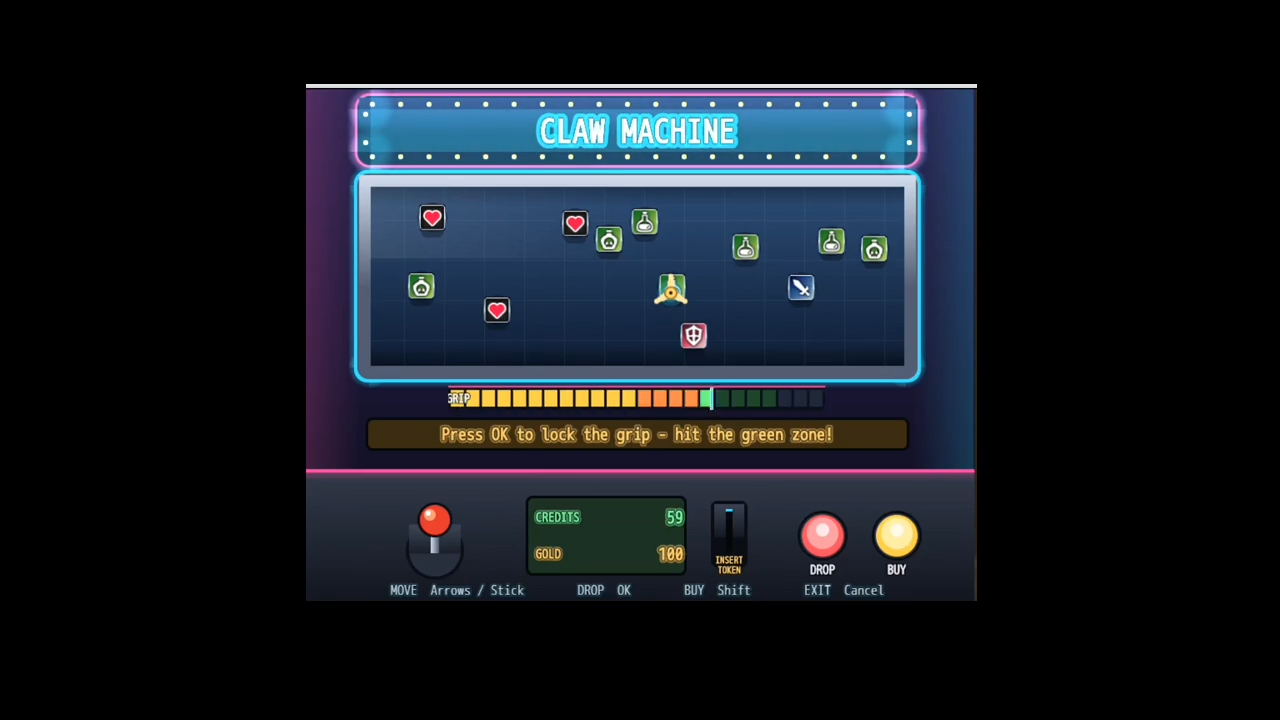
Claw Machine Arcade Game turns a fully-drawn neon arcade cabinet into a playable minigame inside your RPG Maker MZ project. Marquee, glass prize chamber, joystick, buttons, coin slot, and LED credit readouts — all rendered in code, no image assets required, and it scales cleanly from 816×624 up to 1280×720.
Part of the MZ Minigame Collection. This plugin is one of a growing library of themed minigames for RPG Maker MZ, from board games and puzzles to sports, casino and crafting. Mix and match to fill your world with things to do.
👉 See them all: https://itch.io/c/8090415/mz-minigame-collection
Features
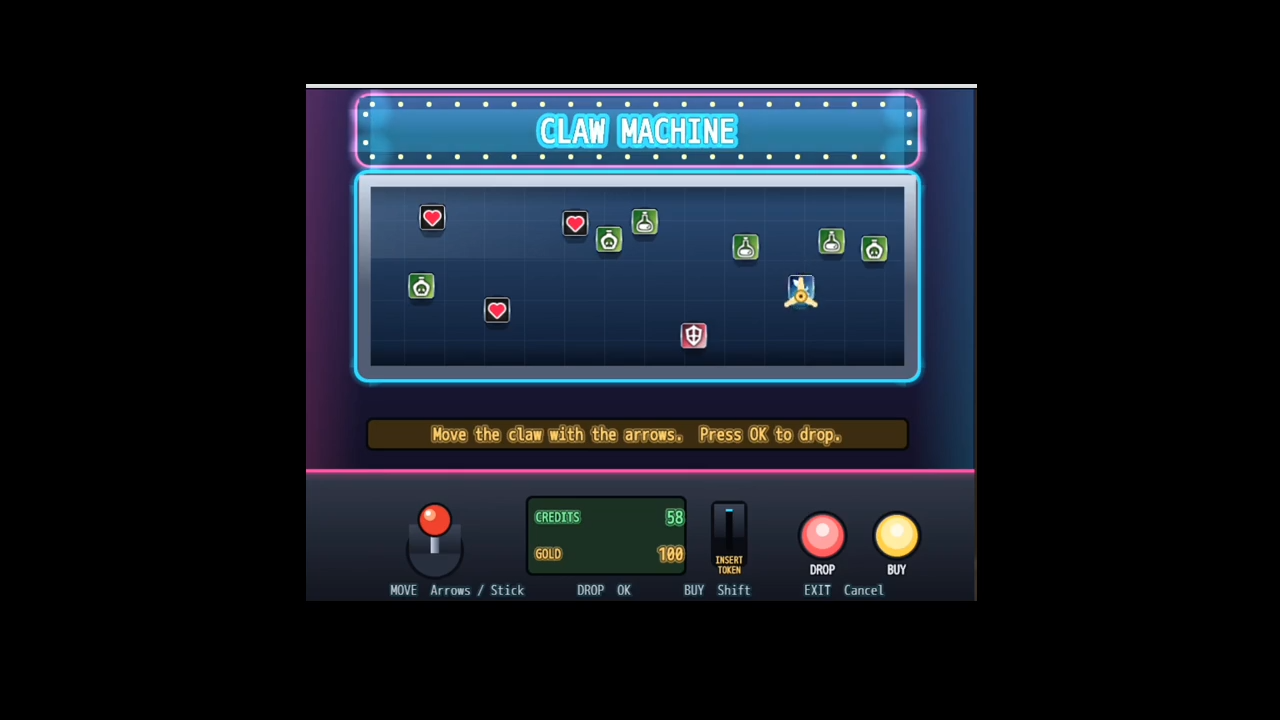
- A complete arcade-cabinet UI: lit marquee, steel-framed glass chamber, control deck with joystick + buttons, and green/amber LED readouts.
- Free 8-directional aiming — move the claw anywhere over the prize bed.
- A hybrid grab that blends skill and luck: aim proximity, a timed grip-strength meter, and a final hold roll weighted by each prize.
- “Weak-claw” feel — heavier prizes slip more often, just like the real thing.
- Token economy with an in-scene “buy tokens with gold” prompt, or sell tokens from any shop/event.
- Prize types: Items, Weapons, Armor, or a Collectible counter variable (perfect for plushie collections).
- Fully configurable prize pool, difficulty, costs, and marquee title via plugin parameters — ships with a working demo pool so it runs the moment you enable it.
- Optional “on-win” common event hook for custom rewards, cutscenes, or SFX.
Controls: Arrow keys / WASD to move · OK to drop and lock the grip meter · Shift to buy tokens · Cancel to leave.
Compatibility: RPG Maker MZ. Terms of use: free for commercial and non-commercial projects; credit appreciated but not required.
Download & install instructions (paste into that box)
- Place
ClawMachine.jsin your project’sjs/plugins/folder.- Open the Plugin Manager, add ClawMachine, and set its status to ON.
- Pick a game variable for tokens (Token Variable parameter) and optionally a Collectible Counter variable.
- Give the player some tokens, then add Plugin Command → ClawMachine → Open Claw Machine to an event.


Reviews
There are no reviews yet.